Key takeaways
- AI website builders work for simple brochure sites but break down fast once you need custom functionality
- AI coding assistants make developers faster, not obsolete
- 30% of AI-generated code has security vulnerabilities according to Stanford research
- The real savings come from using AI for drafts and humans for decisions
The honest state of AI in web development
I build websites for a living. I also use AI tools every day. So I have opinions about both, and they're more complicated than the headlines suggest.
Here's what I know after watching this space closely for two years: AI has gotten very good at certain things and remains terrible at others. The business owners who understand the difference are saving money and getting better results. The ones who don't are either overpaying for work AI could handle or trusting AI with decisions it can't make.
This guide covers the full picture. No hype, no panic.
What AI tools actually exist right now
Before talking about what works and what doesn't, let's sort the tools into categories. They're not all doing the same thing.
AI website builders
These generate entire websites from a text prompt. You describe your business, pick a style, and get a working site.
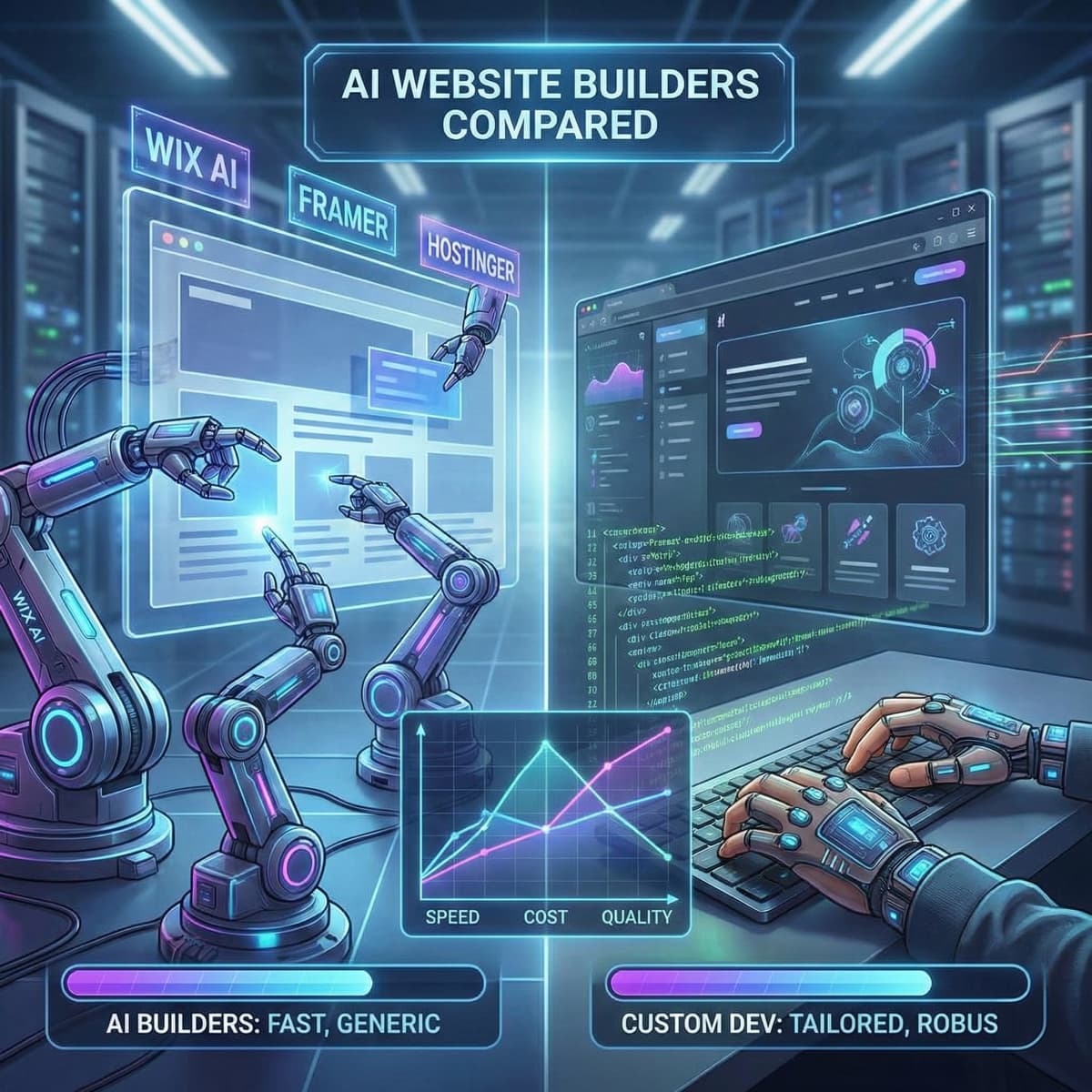
The main players: Wix AI, Hostinger AI Builder, Framer AI, Durable, 10Web. Most can produce a multi-page site with copy, images, and a contact form in under five minutes. Some include basic ecommerce.
I tested several of these for a comparison article and the results were mixed. They're impressive for demos. Less impressive when you try to do anything specific.
AI coding assistants
These help developers write code faster. They autocomplete functions, suggest fixes, and generate boilerplate.
The main players: GitHub Copilot, Claude Code, Cursor, Windsurf. According to GitHub's own data, developers using Copilot complete tasks 55% faster. That number sounds high. In my experience, the real productivity gain is closer to 20-30% because you spend time reviewing and fixing what the AI suggests.
AI content tools
These write blog posts, product descriptions, meta tags, and marketing copy. ChatGPT, Claude, Jasper, Copy.ai.
They produce decent first drafts. They produce terrible final drafts. The difference between those two things is the entire point of this article.
AI design tools
These generate layouts, color palettes, and visual assets. Midjourney, DALL-E, Figma AI, Relume.
Useful for inspiration and mockups. Not a replacement for a designer who understands your brand and your customers' expectations.
Where AI actually saves you money
I want to be specific here because vague claims like "AI saves time" aren't useful. Here's where I see real cost savings in practice.
First drafts of written content
Writing a 2,000-word blog post from scratch takes me 4-6 hours. Getting an AI draft and rewriting it into something good takes 2-3 hours. That's a real saving.
The catch: AI drafts need heavy editing. They're generic. They hedge everything. They use words like "leverage" and "landscape" and "foster." They read like they were written by a committee that never disagreed about anything. If you publish them as-is, your content will sound like every other AI-generated blog on the internet. And Google will treat it accordingly.
Product descriptions at scale
If you have 500 products that each need a unique description, AI turns a month of work into a week. Feed it your product specs, your brand voice guidelines, and a few examples of descriptions you like. Then edit the output.
This is one of the clearest wins for ecommerce stores. The ROI is obvious and immediate.
Code scaffolding
When I start a new component or a new page, AI generates the boilerplate structure in seconds. File setup, imports, basic layout, TypeScript interfaces. This used to take 15-20 minutes of tedious work per component.
But the AI doesn't know my project's specific patterns. It doesn't know my design tokens. It doesn't know that we use a particular animation library or that our forms validate differently from the default. So every piece of generated code needs review and adjustment.
SEO metadata
AI can analyze a page and suggest a title tag, meta description, and heading structure. These suggestions are usually fine as starting points. They need a human to check keyword intent and make sure the copy actually compels someone to click.
Where AI costs you money
This is the part the marketing materials skip.
Security vulnerabilities in generated code
Stanford researchers found that developers using AI coding assistants produced code with security vulnerabilities 30% of the time. Not 30% more vulnerabilities than usual. 30% of the generated code had problems.
I've seen this firsthand. AI will happily generate a login form that stores passwords in plain text. It'll create an API endpoint without authentication. It'll suggest database queries vulnerable to SQL injection. It doesn't know what it doesn't know, and it sounds completely confident while getting it wrong.
For a blog or marketing site, the stakes are lower. For an ecommerce store handling payment data, this is a serious problem.
Generic design that doesn't convert
AI builders produce sites that look like other AI-built sites. The layouts are similar. The copy follows the same patterns. The hero section has a stock image and a headline that could apply to any company in your industry.
This matters because your website's job is to differentiate you. If a customer visits your site and your competitor's site and they look interchangeable, you're competing on price alone. That's a race to the bottom.
A real designer asks questions the AI can't: Who is your best customer? What objections do they have before buying? What does your sales team hear on calls? Those answers shape the design in ways that affect conversion rates directly.
Debugging costs more than writing
Here's something that surprises people: when AI code breaks (and it will), the debugging often takes longer than writing the code correctly in the first place.
AI-generated code is someone else's code. It follows patterns you didn't choose. It makes assumptions you're not aware of. When something goes wrong at 2 AM on a Saturday, you're reverse-engineering logic that was never in your head to begin with.
I've cleaned up projects where a business owner used AI to "save money" on development. The cleanup cost more than the custom build would have cost from the start.
SEO content that doesn't rank
Google's John Mueller has said repeatedly: the issue isn't whether content is AI-generated. The issue is whether it's helpful. The problem is that AI content tends to say the same things in the same way as every other AI-generated article on the topic.
Search Google for any competitive term and you'll find pages of content that reads identically. Same structure. Same points. Same conclusions. Google has no reason to rank your version of the same article over anyone else's.
Content that ranks in 2026 needs original data, specific experience, or a perspective that AI can't generate. That's why our AI content and SEO article goes deeper into what Google actually penalizes.
The AI decision framework for business owners
Instead of asking "Should I use AI?", which is too broad, ask these five questions about each specific task.
1. What's the cost of getting it wrong?
Blog post draft? Low cost if it's mediocre. You edit it. Payment processing code? The cost of getting it wrong is a PCI compliance investigation and six figures in fines (we've seen this happen).
Rule: use AI freely for low-stakes tasks. Use humans for anything involving money, security, or legal compliance.
2. Does this need to be unique?
If the output could come from any company in your industry, AI is fine. Terms of service pages. Privacy policies. Basic product specs.
If the output needs to differentiate you from competitors, AI isn't enough. Your homepage copy. Your brand story. Your sales pages.
3. How much context is required?
AI performs best on tasks with clear, bounded requirements. "Write a meta description for this page" is a good AI task. "Design a checkout flow that reduces cart abandonment for our specific customer demographic" is not.
4. Can you evaluate the output?
If you can tell whether AI did a good job, use it and check the work. Most business owners can evaluate whether a blog post sounds right.
If you can't evaluate the output, you need an expert. Most business owners can't evaluate whether generated code is secure, performant, and maintainable.
5. What happens when it breaks?
AI website builders lock you into their platform. If the builder shuts down, changes pricing, or can't handle your needs anymore, migration is painful. Custom code on your own hosting gives you full control.
How we use AI at TurboPress
I'm not going to tell you to avoid AI while secretly using it myself. Here's exactly what we use and what we don't. We wrote a detailed transparency piece about this, but the summary:
We use AI for:
- Drafting blog content (then rewrite 60-70% of it)
- Generating code scaffolding (then review every line)
- Writing unit tests (faster than writing them from scratch)
- Brainstorming design layouts (then build custom)
- Creating OG images and social assets
We don't use AI for:
- Client strategy or site architecture decisions
- Security implementations
- Final copy that goes live without human editing
- Database schema design
- Anything involving payment processing
The hybrid approach works. We ship faster than we did two years ago. But the quality bar hasn't dropped because a human makes every decision that matters.
The cost comparison nobody wants to do honestly
Let me put real numbers on this because the "AI is cheaper" claim deserves scrutiny.
Scenario: a small business needs a new website
AI builder route:
- Monthly fee: R150-R500/month
- Your time setting it up: 10-20 hours
- Your time maintaining it: 2-4 hours/month
- Year 1 cost: R2,000-R6,000 + your time
- Conversion rate: typically 0.3-0.8%
Custom development route:
- Build cost: R75,000-R200,000
- Monthly hosting: R500-R3,500
- Monthly maintenance: R2,000-R5,000
- Year 1 cost: R100,000-R260,000
- Conversion rate: typically 2-4%
The math that matters: If your site gets 5,000 monthly visitors and your average order is R1,000:
- AI site at 0.5% conversion: R25,000/month revenue
- Custom site at 3% conversion: R150,000/month revenue
- Difference: R125,000/month
The custom site pays for itself in under two months. The AI site is "cheaper" only if you ignore what it costs you in missed conversions.
This comparison isn't fair for every business. If you're a freelance photographer who needs a portfolio site, the AI builder is the right call. But if your website is a revenue-generating tool, the "cheap" option is the expensive one.
What's coming next
AI tools are improving fast. Here's what I expect to change over the next 12-18 months, based on what I'm seeing in development:
Getting better:
- AI-generated designs will look less generic as tools learn from more diverse training data
- Code generation will handle more complex patterns reliably
- AI will get better at maintaining context across an entire project, not just individual files
Not changing soon:
- AI still won't understand your specific business context
- Security review will still require human expertise
- Strategic decisions about user experience and conversion will still need someone who's seen what works and what doesn't
- Original research and data-driven content will still outperform AI rewrites
The developers and agencies that survive this shift are the ones who use AI to move faster while keeping humans on the decisions that matter. The ones who try to replace everything with AI will produce generic, insecure, underperforming sites.
The ones who ignore AI entirely will be too slow and too expensive.
The middle ground is where the money is.
What to do with all this
If you're a business owner, here's the practical version:
- Use AI for content drafts. Then edit them hard. Delete the corporate-speak. Add your actual opinions and experience.
- Don't use AI builders for revenue-critical sites. The conversion rate difference will cost you more than you save.
- Ask your developer if they use AI. They should. It makes them faster. But they should also be able to explain what they review manually.
- Test your site against AI-built competitors. If your custom site doesn't clearly outperform an AI template, your developer isn't earning their fee.
If your current site was built with AI and you're seeing low conversion rates, our audit service can show you exactly where the gaps are.
Related reading
- How AI agents are replacing WordPress developers. A deeper look at the specific tasks AI handles and where human developers still win.
- AI website builders compared: Wix AI vs Framer vs Hostinger vs a developer. We tested the major AI builders head-to-head. Results were mixed.
- Can ChatGPT build my website? We tested it.. We gave ChatGPT a real client brief and documented what happened.
- The real cost of an AI-built website vs a custom site. The full cost comparison with actual numbers.