Key takeaways
- ChatGPT generated functional HTML/CSS/JavaScript for a 5-page business site in under 20 minutes
- The code worked but scored 41 on mobile PageSpeed, unusable by Google's standards
- The design looked like 2019 and the copy could have described any business in the same industry
- You still need hosting, a domain, deployment knowledge, and security setup. ChatGPT doesn't handle any of that
The experiment
Every week someone asks me: "Can't I just ask ChatGPT to build my website?"
Instead of explaining why that's more complicated than it sounds, I decided to test it. I took a real brief from a client project, a Cape Town-based physiotherapy practice, and gave it to ChatGPT (GPT-4o) with clear instructions.
The brief included: business name, services offered, target audience, location, brand colours, a few photos, and a list of five pages they wanted (Home, About, Services, Blog, Contact).
I also tested Claude with the same brief to compare.
Here's what happened.
What I asked for
My prompt was specific. Not a vague "build me a website" but a proper brief:
Build a 5-page website for [Practice Name], a physiotherapy practice in Cape Town. Pages needed: Home (hero section, 3 services highlighted, testimonial, CTA), About (team bios, clinic photos), Services (6 service cards with descriptions), Blog (3 placeholder posts), Contact (form, map embed, hours). Use these brand colours: [hex codes]. The site should be mobile-responsive, fast-loading, and SEO-friendly.
I gave both ChatGPT and Claude the identical prompt.
ChatGPT's output
ChatGPT generated the code in about 4 minutes across several message exchanges. It produced:
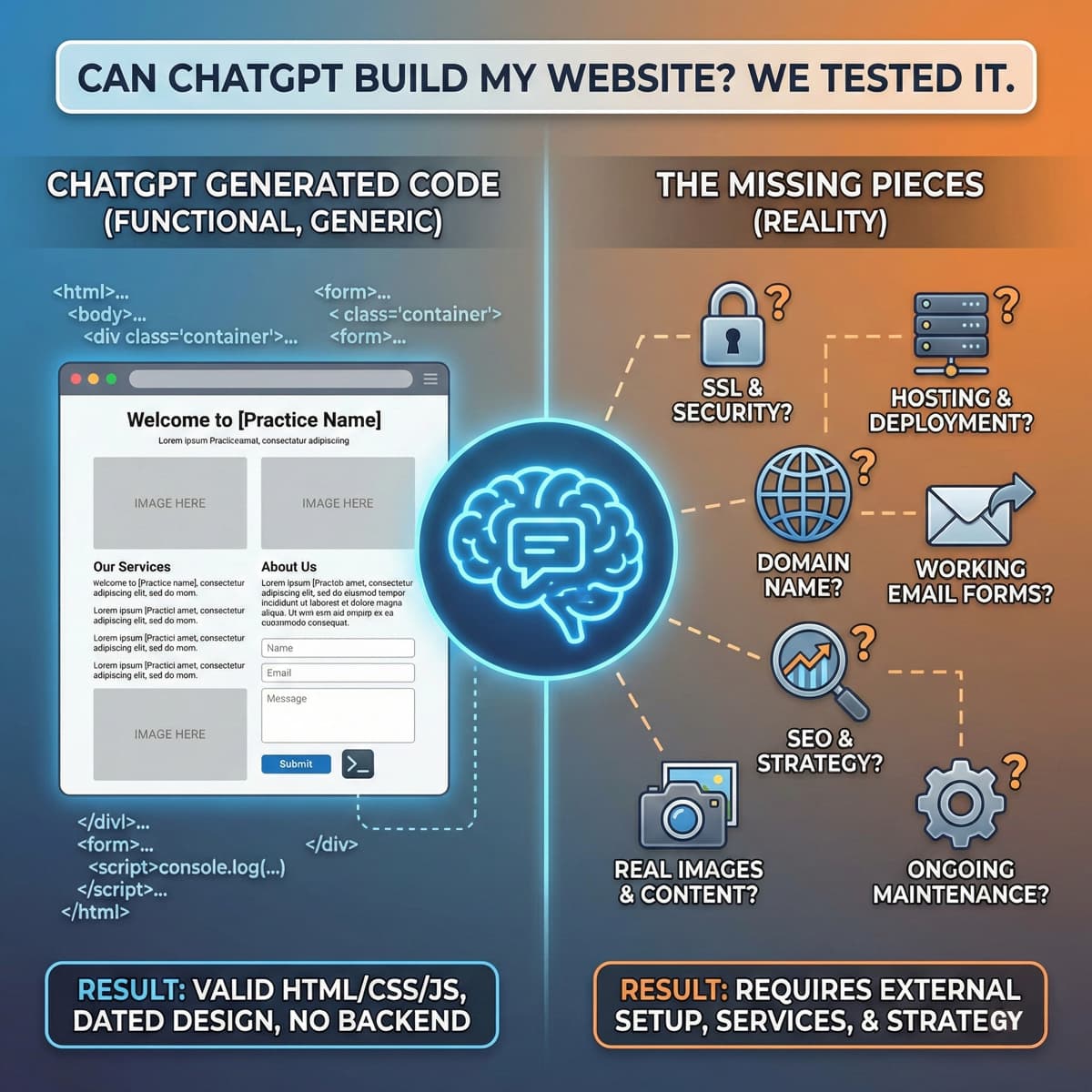
- HTML: A single-page structure with all five "pages" as sections (not actual separate pages). Valid HTML5, semantic tags, proper heading hierarchy.
- CSS: Inline styles plus a separate stylesheet. Responsive media queries included. The design was functional but dated; it looked like a Bootstrap site from 2019.
- JavaScript: Basic navigation, smooth scrolling, a simple form handler that doesn't actually send emails (it logs to the console), and a mobile hamburger menu.
The total code was about 800 lines. It worked when I opened it in a browser.
What went right
The code was valid. The layout was responsive. The structure made sense. For someone who's never written a line of code, getting a working website from a text conversation is remarkable.
The HTML used semantic elements correctly: header, nav, main, section, and footer tags. Search engines can parse this.
What went wrong
The design. Flat, generic, forgettable. Two-column layouts with stock-photo-sized placeholder boxes. Blue buttons on white backgrounds. It looked like every free template from 2018. A physiotherapy practice in Cape Town competing with 200 others needs to stand out. This wouldn't.
The copy. ChatGPT wrote all the body text. "Our experienced team of physiotherapists is dedicated to helping you achieve optimal health and wellness." I could swap the business name for any physio practice and no one would notice. This is the same problem every AI builder has.
The contact form. It looks like a form. It accepts input. But it doesn't actually send anything anywhere. The JavaScript logs form data to the browser console. To make it work, you'd need a backend endpoint or a form service like Formspree, which ChatGPT didn't mention.
No images. ChatGPT can't provide actual images. It used placeholder text describing where images should go. You'd need to source, optimize, and add every image yourself.
Performance. I deployed the generated code to Netlify and ran PageSpeed Insights. Mobile score: 41. Desktop: 68. The CSS was unminified. No image optimization (because there were no images yet). No lazy loading. No code splitting. Basic stuff that any production site needs.
Claude's output
Claude with Artifacts handled the same brief differently. Instead of dumping all the code in chat, it rendered a live preview in a side panel. I could see the site taking shape and request changes in real-time.
What Claude did better
Visual iteration. I could say "make the hero section taller" or "change the CTA button colour" and see the change immediately. ChatGPT required me to imagine the result from code, then check in a browser.
Cleaner HTML. Claude's output was better structured: fewer nested divs, better use of CSS Grid instead of floats, more consistent class naming.
The copy was marginally better. Still generic, but slightly less corporate. It used shorter sentences and more direct language. Still not good enough to publish without rewriting.
What Claude got wrong
Same fundamental problems. No working form submission. No image assets. No deployment guidance. The code was better organised but still produced a site that wouldn't compete with any professionally built alternative.
Performance was similar: PageSpeed mobile score of 48.
What neither could do
This is the list that matters.
Buy and configure a domain. You need to register a domain and point DNS records. Neither AI mentions this.
Set up hosting. The generated code needs to live somewhere. Netlify, Vercel, or traditional hosting; you need to set it up yourself.
SSL certificate. HTTPS isn't optional anymore. Neither AI generates the configuration for this.
Email delivery. That contact form needs a backend to send emails. Neither AI builds one or even warns you that the form doesn't work.
Analytics. No Google Analytics, no Tag Manager, no event tracking. You're flying blind on visitor behaviour. Without proper analytics, you can't improve what you can't measure.
SEO beyond basics. No structured data (LocalBusiness schema for a physio practice is critical for Google Maps). No Open Graph tags. No canonical URLs. No XML sitemap.
Security. No rate limiting on the form. No input sanitization. No Content Security Policy headers. The FormAI study found that 51% of ChatGPT-generated code contains at least one security vulnerability. My test was consistent with that finding.
Ongoing maintenance. Websites aren't static. Dependencies need updating. Content needs refreshing. Broken links need fixing. SSL certificates expire. AI generates code for a moment in time.
The real cost calculation
"Free" is the wrong word for a ChatGPT website. Here's what you'd actually spend to get it live:
| Item | Cost |
|---|---|
| ChatGPT Plus subscription | R370/month |
| Domain registration | R150-R300/year |
| Hosting (Netlify/Vercel free tier) | R0 (with limits) |
| Form backend (Formspree or similar) | R0-R150/month |
| Stock photos (5-10 images) | R500-R2,000 |
| Your time (debugging, deploying, configuring) | 10-15 hours |
| Total year 1 | R5,000-R8,000 + your time |
That's cheaper than a custom build. But the output is dramatically worse. And those 10-15 hours of your time assume you know how to deploy a static site, configure DNS, and debug CSS layout issues. If you don't, add another 10 hours of learning or the cost of hiring someone to help.
For comparison: our full cost analysis shows what the conversion rate difference costs you over 12 months.
Who this works for
ChatGPT-built websites make sense in a narrow set of situations:
- Developers prototyping. If you're a developer who wants a starting point for a project, ChatGPT generates boilerplate faster than typing it. You'll rewrite most of it, but the scaffolding saves time.
- Personal projects. Portfolio site, hobby blog, event page for your running club. Low stakes, no revenue dependency, and you have some technical knowledge.
- Learning. If you're learning web development, building a site with ChatGPT and then understanding the code it produces is a decent study method.
Who should avoid this
- Any business that depends on its website for revenue. The conversion rate gap between a ChatGPT site and a professionally built one will cost you more than you save.
- Non-technical users. The generated code is step one of a twenty-step process. Without development knowledge, you'll get stuck at deployment.
- Competitive markets. If your competitors have professionally designed sites, a ChatGPT-generated site makes you look like you don't take your business seriously.
My honest take
ChatGPT is an impressive code generator. It's a terrible website builder. Those are different things.
Generating HTML is the easy part of making a website. The hard parts (strategy, design thinking, performance optimization, security, deployment, and ongoing maintenance) are exactly what ChatGPT can't do.
The 84% of developers using AI tools (per Stack Overflow's 2025 survey) aren't using them to replace their skills. They're using them to skip the boring parts so they can focus on the parts that matter. That's exactly how we use AI at TurboPress.
Can ChatGPT build your website? Technically, yes. Should it? Almost certainly not.
Related reading
- AI and web development in 2026: what business owners actually need to know. The full picture of where AI fits and where it doesn't.
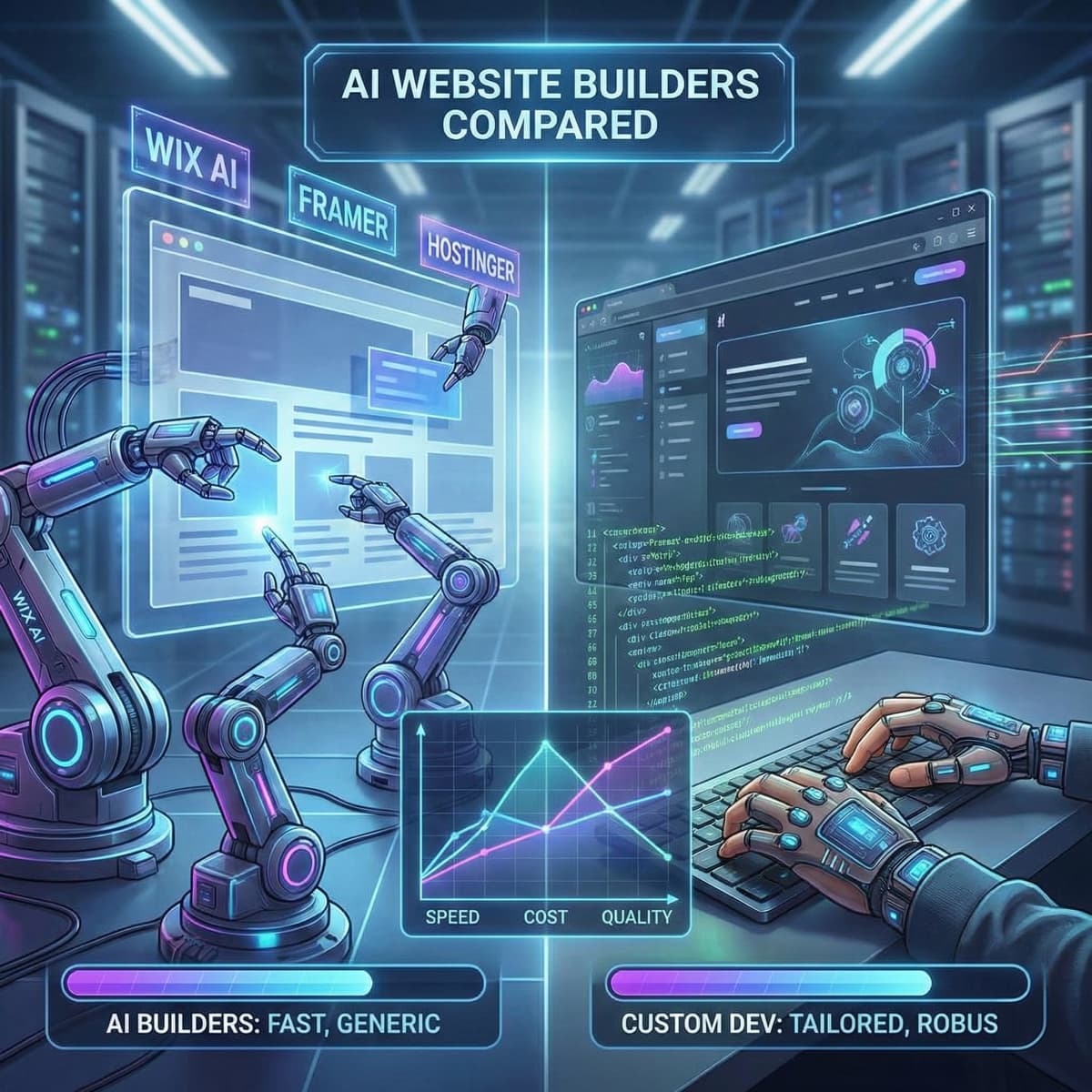
- AI website builders compared: Wix AI vs Framer vs Hostinger vs a developer. Dedicated AI builders do this better than ChatGPT. They're still not great.
- When AI website builders fail: 5 real examples and what went wrong. What happens when AI-built sites meet real business requirements.
- The real cost of an AI-built website vs a custom site. The numbers behind the "cheaper" claim.