Key takeaways
- AI builders work until you need something they didn't anticipate; then you hit a wall with no workaround
- 51% of AI-generated code contains at least one security vulnerability according to FormAI research
- AI code is 2.74x more likely to introduce XSS vulnerabilities than human-written code
- The cleanup cost when an AI-built site fails often exceeds what a custom build would have cost from the start
Every tool has limits
AI website builders are impressive tools. I've said that in my comparison article and I'll say it again here. They produce functional websites from text prompts in minutes.
But "functional" and "good enough for your business" are different things. The limitations of AI website builders rarely show up in the demo; they surface later, under real traffic and real money. And when the gap between those two reveals itself, it usually happens at the worst possible time.
These five scenarios are composites from real projects I've encountered, either from clients who came to us after their AI-built site failed, or from documented cases in the industry. I've changed identifying details, but the problems are real.
1. The ecommerce store that couldn't handle a sale
The setup: A Durban-based fashion retailer built their online store using an AI builder. Fifty products. Clean layout. Worked fine for three months of steady, low-volume traffic.
What went wrong: They ran their first Facebook ad campaign. Traffic jumped from 200 to 3,000 visitors per day. The site slowed to a crawl. Page load times hit 8 seconds on mobile. The checkout started throwing errors. Customers couldn't complete purchases.
The root cause: The AI builder's hosting infrastructure couldn't scale to handle the traffic spike. There was no CDN. No caching layer. No ability to optimize the database queries the platform generated. The store owner had no access to server configuration; it was all managed by the platform.
The cost: They'd spent R12,000 on Facebook ads during the campaign. Estimated lost revenue from failed checkouts: R80,000-R120,000 based on the traffic and their normal conversion rate. The campaign that should have been profitable turned into a loss.
The lesson: AI builders handle steady-state traffic fine. Traffic spikes, which happen during sales, ad campaigns, or media coverage, expose infrastructure limitations you can't fix because you don't control the infrastructure.
This is exactly the scenario our scaling guide addresses. A custom site with proper hosting scales with demand. An AI builder site scales when the platform decides to scale.
2. The professional services firm that lost leads
The setup: An accounting firm in Cape Town used an AI builder to create a 5-page site with a contact form. The site looked professional. The form appeared to work; you could type in your details and hit submit.
What went wrong: After two months, the firm realized they hadn't received a single lead through the website. Not one. The contact form was submitting data, but the AI-generated form handler wasn't actually sending emails. It stored submissions in the platform's database, but the notification system wasn't configured.
The root cause: The AI builder generated a visually correct form with a "Submit" button that felt like it worked. The user saw a success message. But the backend connection between the form and the email notification was broken. There was no error message. No warning. No indication that leads were going into a void.
The cost: Two months of missed leads. For a professional services firm where a single client is worth R50,000-R200,000 annually, even losing 3-4 leads represents a significant revenue loss. They only discovered the problem when a colleague mentioned they'd submitted a form and never heard back.
The lesson: AI builders generate the visible parts of a website. They don't always generate the invisible parts correctly: email delivery, form processing, data storage, error handling. These are exactly the things a developer tests before launch.
3. The restaurant that got impersonated
The setup: A Johannesburg restaurant used an AI builder to create a site with their menu, hours, location, and online ordering through a third-party integration.
What went wrong: Someone scraped the restaurant's AI-generated site content (which was generic enough to be believable for any restaurant) and created a near-identical copy on a similar domain. The copy site added their own phone number and a fake ordering page that collected customer credit card numbers.
The root cause: The AI-generated content was so generic that cloning the site was trivial. The restaurant's name, address, and menu were the only unique elements; everything else was template language that could apply to any restaurant. The real site had no security headers, no canonical URL tags, and no structured data that would help Google distinguish the real site from the fake one.
A custom site with proper structured data (LocalBusiness schema, verified Google Business Profile integration) and unique content would have been much harder to impersonate convincingly. Google would have had clear signals about which site was legitimate.
The cost: Customer trust damage, a police report, and the cost of a complete site rebuild with proper security measures. The total exceeded R60,000, more than a custom site would have cost from the start.
The lesson: Generic sites are easier to clone. Security isn't just about keeping your site safe; it's about making it hard for someone else to pretend to be you. The basics of web security apply even to non-ecommerce sites.
4. The SaaS startup that outgrew everything
The setup: A Cape Town tech startup used an AI builder for their marketing site and landing pages. It worked well for the first six months: clean design, fast setup, easy to update content.
What went wrong: As the product matured, they needed:
- A customer dashboard behind authentication
- Integration with their application's API for live usage stats
- A knowledge base with search functionality
- Multi-language support for their expansion into Portuguese-speaking markets
- Custom pricing calculator based on usage tiers
The AI builder could do none of these. Each requirement was a wall with no workaround.
The root cause: AI builders excel at static content. The moment you need dynamic functionality (user authentication, real-time data, custom business logic), you've exceeded what the platform can deliver. And because the platform doesn't export your code, everything you've built (content, design, SEO authority for that domain) needs to be recreated from scratch.
The cost: Six months of content and SEO work lost in the migration. Three months of development to rebuild everything on a custom platform. Total migration cost: R250,000, on top of the R15,000 they'd already spent on the AI builder.
The lesson: If your business is growing toward needing custom functionality, starting with an AI builder creates a guaranteed migration cost. Starting with a custom platform that can grow with you is cheaper in the long run.
5. The code quality nightmare
The setup: A small business owner used ChatGPT to generate code for a custom website with a booking system. They hired a freelancer to deploy it without thorough code review.
What went wrong: The booking form had no input validation. A basic automated bot found the form and submitted thousands of spam bookings, filling the calendar completely. The contact form stored user data in plain text in a publicly accessible JSON file. The admin panel used a hardcoded password ("admin123") in the JavaScript source code, visible to anyone who opened browser developer tools.
The root cause: AI generates code that works but doesn't necessarily follow security best practices. FormAI research analyzing 112,000 AI-generated programs found that 51.24% contained at least one security vulnerability. AI-generated code is:
- 2.74x more likely to have XSS vulnerabilities
- 1.88x more likely to handle passwords improperly
- 1.91x more likely to create insecure object references
- 1.82x more likely to implement insecure deserialization
The freelancer deployed the code without a security review because the business owner assumed "AI-generated code is good enough."
The cost: Cleanup, security audit, and rebuilding the booking system: R45,000. One week of lost bookings during the fix: R15,000 in revenue. Customer notification about the data exposure: immeasurable reputation damage.
The lesson: AI code needs the same (or more) review as human code. The 45% security flaw rate isn't a theoretical risk; it's what happens in practice when AI code ships without review.
The pattern
Every failure above shares a common thread: the AI builder worked fine for the initial use case, then failed when reality introduced a requirement the tool wasn't built to handle.
The progression is always the same:
- AI builder produces something impressive in minutes
- Business launches and operates normally for weeks or months
- A real-world event (traffic spike, security probe, feature request, growth) tests the limits
- The platform can't handle it
- Migration or rebuild costs more than doing it right from the start
How to avoid these failures
If you're using an AI builder now, stress-test it:
-
Load test your site. Use a free tool to simulate 10x your normal traffic. If it breaks, your next ad campaign will too.
-
Test every form end-to-end. Submit the form yourself. Did you get the email? Check spam. Wait 24 hours. Try again. Forms that look right but don't work are common with AI builders.
-
Check your page speed. Run Google PageSpeed Insights on mobile. Below 70? You're losing visitors. Below 50? You're invisible on mobile.
-
Try to export your site. Can you download your code? If not, you're locked in. Plan your exit strategy before you need one.
-
Run a security scan. Free tools like Mozilla Observatory check basic security headers. If your site scores an F, you've got exposure.
If any of these tests reveal problems you can't fix within the platform, you've found the ceiling. What you do next depends on how much your website matters to your business.
If it does matter, a custom WordPress build removes that ceiling entirely.
Related reading
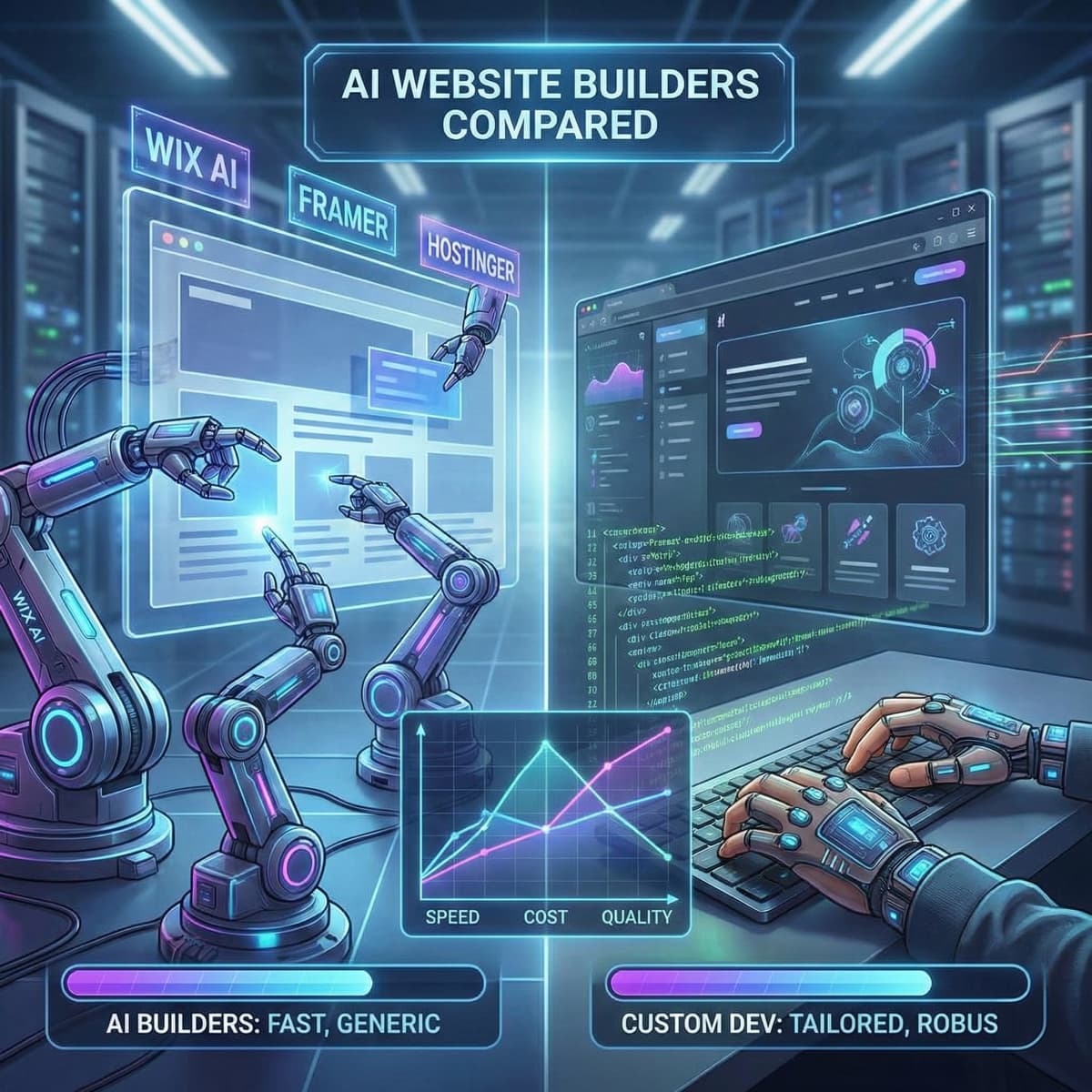
- AI website builders compared: Wix AI vs Framer vs Hostinger vs a developer. The side-by-side performance comparison that shows where each builder hits its limits.
- Can ChatGPT build my website? We tested it.. We tested AI code generation directly. The security and performance issues were consistent with these case studies.
- AI and web development in 2026: what business owners actually need to know. The full picture of where AI works, where it doesn't, and how to decide.
- The real cost of an AI-built website vs a custom site. The financial analysis behind the "cheaper" claim.