Key takeaways
- Standard hosting fails at scale; you need isolated resources
- Logged-in users bypass cache, requiring specialized database tuning
- Offloading media to a CDN is non-negotiable for speed
- Queue workers prevent your admin panel from freezing during sales
- A generalist developer may not know how to optimize high-concurrency databases
Introduction
Getting your first sale is a thrill. Getting your thousandth sale is a business. But getting ten thousand visitors a month? That’s an engineering challenge.
WooCommerce is an incredible platform, but out of the box, it’s not tuned for high volume. As you grow, the very features that made it easy to start (like its heavy reliance on the WordPress database) can become bottlenecks.
If you’re seeing timeouts during sales, slow admin dashboards, or "Error establishing a database connection," you aren't broken. You're just growing. Here is how to handle it.
The Symptoms of "Outgrowing" Your Setup
How do you know it’s an infrastructure problem and not just a glitch?
- The "Slow Admin" Syndrome: Your storefront loads okay, but the backend takes 10 seconds to save a product. This means your database is struggling to lock rows and write data.
- Checkout Timeouts: Customers get to the payment page, hit "Pay," and the wheel spins forever. This is the #1 killer of conversion rates.
- Search is Sluggish: The default WordPress search queries the database directly. With thousands of products, this is a performance death sentence.
The "Logged-In" Problem
Here is the technical reality: You cannot cache the checkout page.
For a blog, 99% of visitors see a static HTML file. For a store, every customer has a unique cart session. This means PHP has to run and the database has to be queried for every single visitor.
The Solution: Redis Session Storage
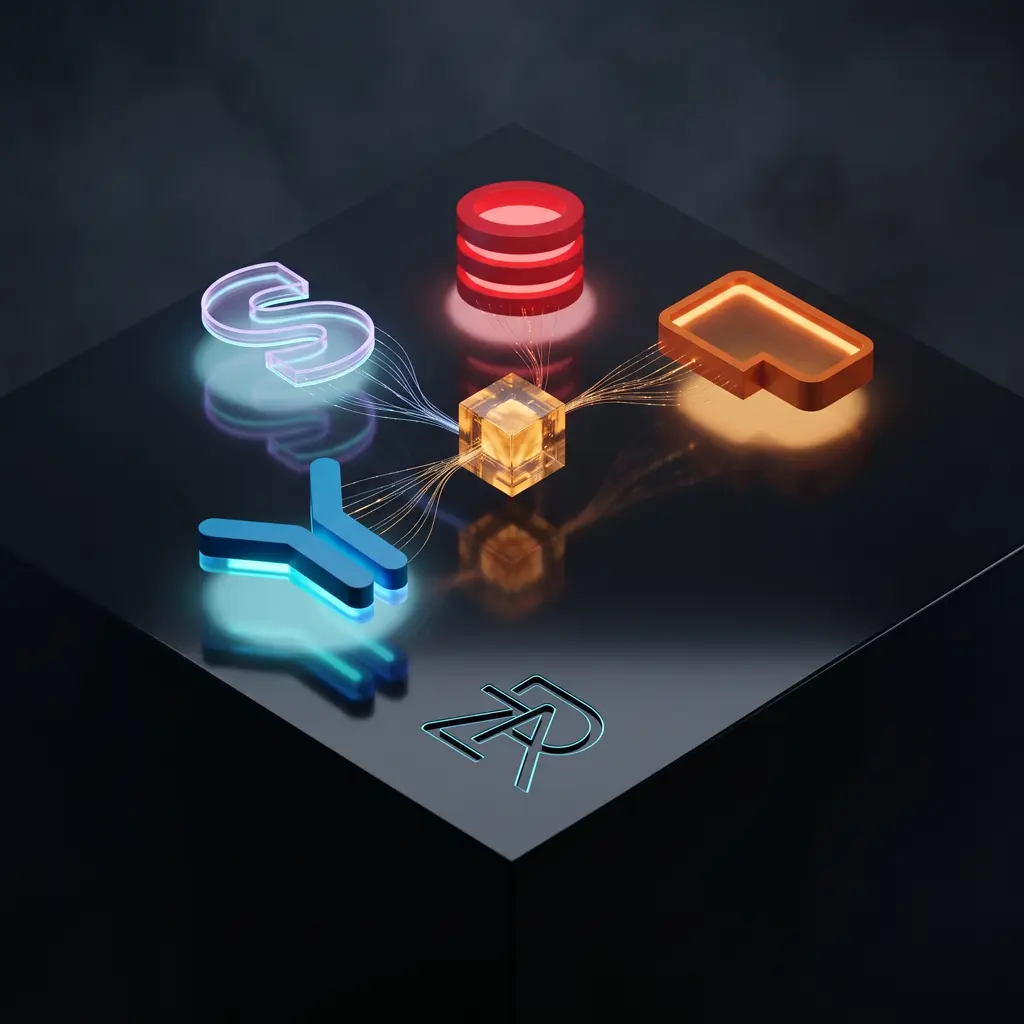
Instead of storing temporary session data in your main MySQL database (which is busy processing orders), we move it to Redis. Redis is an in-memory data store that is lightning fast. It handles the "who is logged in" logic so your database can focus on "what did they buy."
Offloading: Don't Make Your Server Do Everything
A common mistake is asking one server to serve images, process PHP, send emails, and run database queries.
1. Offload Media (CDN)
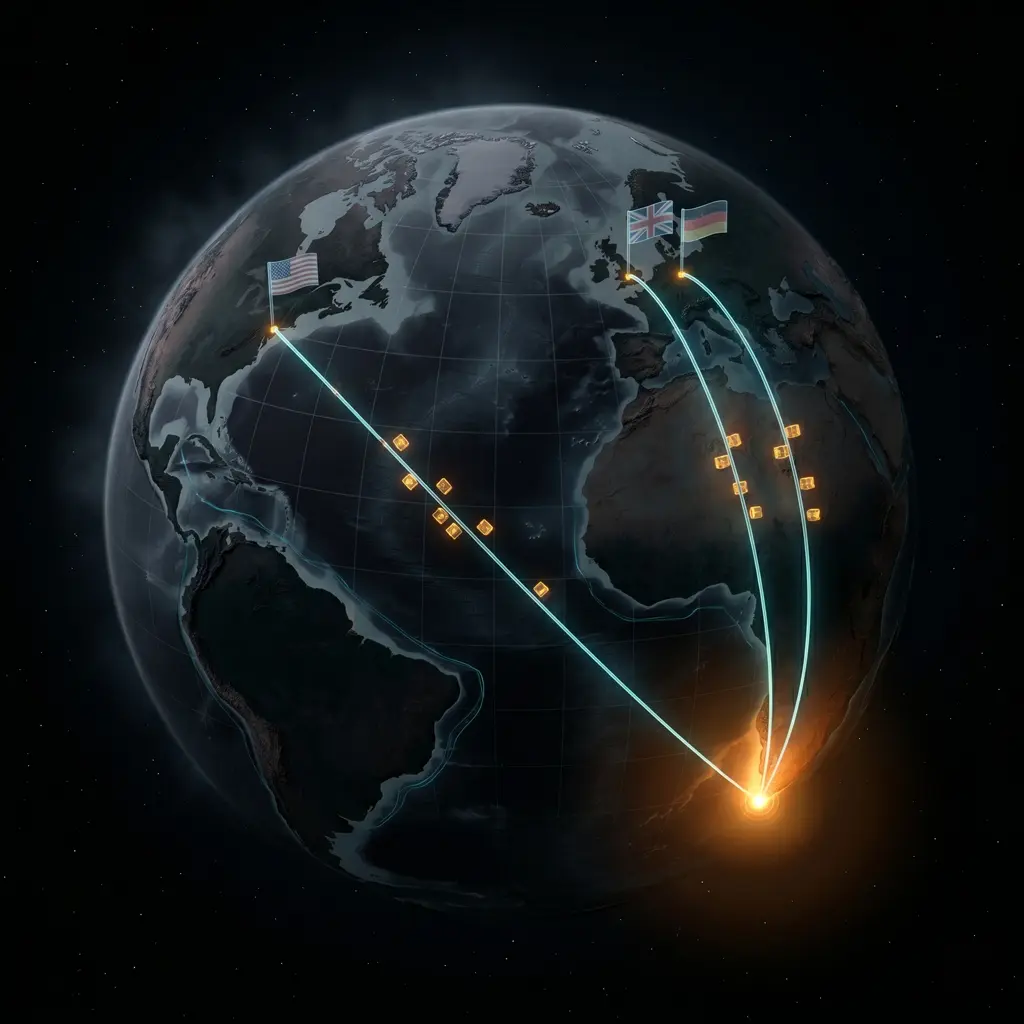
Your product images shouldn't be served by your web server. They should be on a Content Delivery Network (CDN) like Cloudflare or AWS CloudFront. This frees up your server threads to handle actual orders.
2. Offload Emails (Transactional Mail)
Don't use the default PHP mail() function. It slows down the checkout process. Use a dedicated service like Postmark or SendGrid to handle order confirmations instantly and reliably.
3. Offload Heavy Lifting (Queue Workers)
When an order comes in, WooCommerce tries to do 20 things at once: reduce stock, send email, update stats, etc. We use Action Scheduler with a dedicated queue worker. This tells the server: "Take the money now, and do the paperwork in the background." The customer gets an instant "Success" page, and the heavy lifting happens invisibly.
When to Call a Specialist
There is a difference between a web designer who builds beautiful themes and a backend engineer who tunes databases.
Stick with a Generalist if:
- You have under 1,000 products.
- Traffic is steady and predictable.
- You are doing under $10k/month in revenue.
Hire a Scaling Specialist if:
- You run flash sales (huge traffic spikes in minutes).
- You have 10,000+ products or variations.
- Your database is over 1GB in size.
- Downtime costs you more than the developer's hourly rate.
Conclusion
Scaling WooCommerce isn't about abandoning the platform; it's about maturing your infrastructure. With the right caching layers, database tuning, and offloading strategies, WooCommerce can handle millions of dollars in revenue.
Don't let your success break your site. Prepare for the traffic before it arrives.
When we build and scale ecommerce sites, this kind of infrastructure work is part of the build, not an afterthought.
Related reading
- How to clean your wp_options table. If your admin panel is slow, a bloated wp_options table is often the first culprit. Start here before scaling infrastructure.
- Analytics that matter: sales funnel reports & conversion tracking. Once your infrastructure can handle the traffic, make sure you're tracking what matters.
- The R1,200,000 Black Friday nightmare. What happens when you don't prepare for a traffic spike.
- How to make a WordPress site load in under 2 seconds. The application-level speed optimizations that complement scaling work.