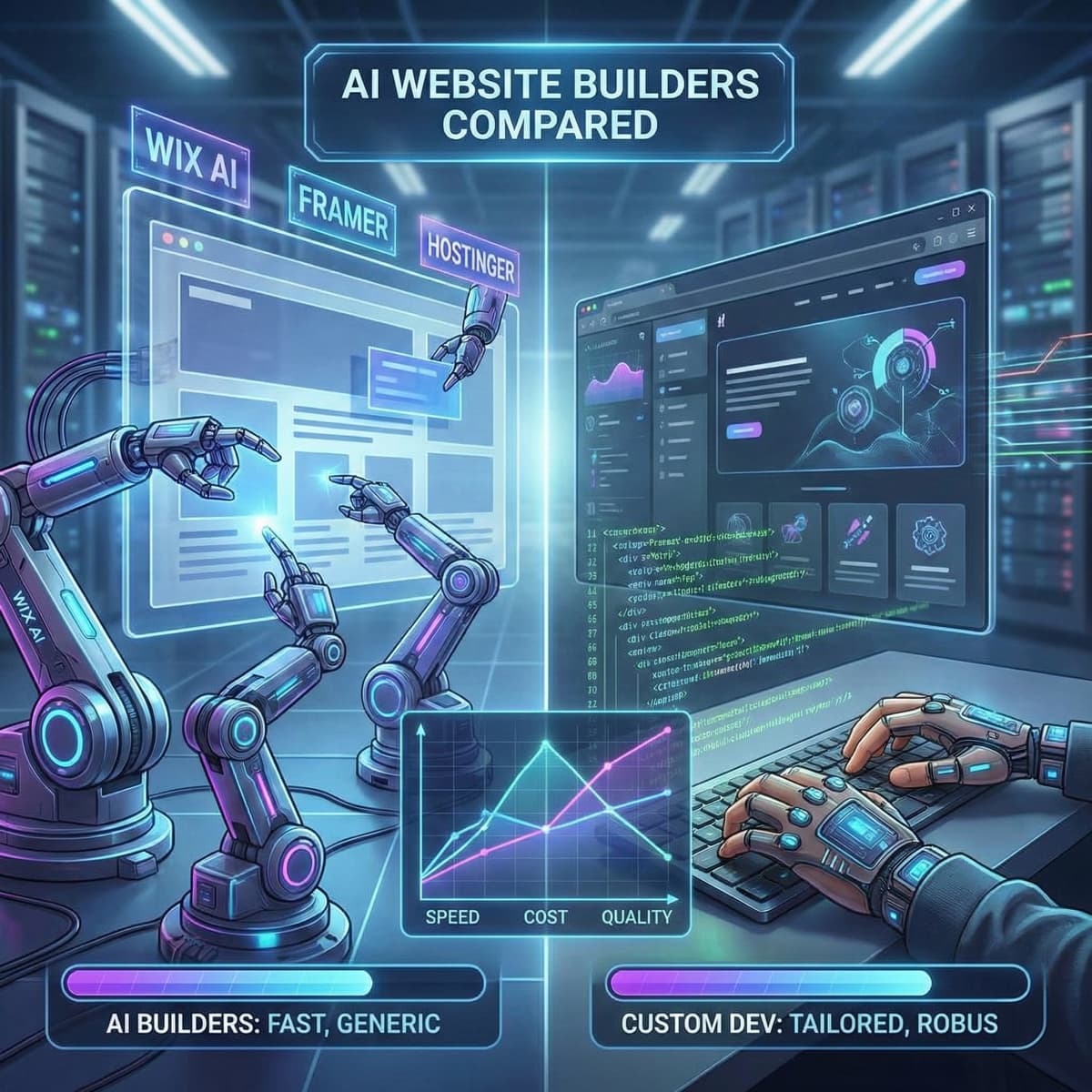
Key takeaways
- Hostinger is the cheapest at R55/month but produces the most generic output
- Framer gives the most design control but requires design skills to use well
- Wix AI is the easiest to use but locks you into their ecosystem permanently
- None of the AI builders matched a custom site on page speed, conversion design, or SEO structure
The test
I wanted to answer a question I hear on every discovery call: "Why should I pay you R75,000+ when Wix can build me a site for free?"
Fair question. So I tested it.
I took a real client brief, a Johannesburg-based accounting firm that needed a 5-page site with a contact form, service pages, and a blog, and fed the same information into three AI website builders. Then I compared the results against what we'd build custom.
The brief was identical each time: firm name, services offered, target audience, brand colours, and a rough description of what they wanted.
The contenders
Nicepage Website Builder
Price: Free starter plan available. Paid plans start from about $6.75/month (roughly R125/month), with one-time lifetime licenses from around $59.
What it does: Nicepage is a drag-and-drop website builder that is focused on design flexibility. Instead of generating a site with AI prompts, it gives you full control with freehand editing, letting you position elements anywhere on the page. It comes with 15,000+ designer-made templates, mobile-friendly layouts, and exports to WordPress, Joomla, or static HTML.
Setup time: About 3–5 minutes to pick a template and start building. Expect 1–2 hours to design and customize a full site, since it’s more manual than AI builders.
Wix AI Website Builder
Price: Free plan with Wix branding. Paid plans from $17/month (roughly R310/month) for a custom domain and no ads.
What it does: You answer a few questions about your business (industry, style preferences, what pages you need) and Wix generates a complete website. It includes AI-generated copy, stock images, and a pre-built layout.
Setup time: About 3 minutes to generate. Another 30-60 minutes tweaking.
Framer
Price: Free plan with Framer branding. Pro at $10/month (R180/month). Business at $30/month (R550/month) for CMS features.
What it does: Framer's Wireframer tool is chat-based. You describe what you want, it generates a wireframe, and you refine from there. More design-focused than the others: it gives you pixel-level control over the output.
Setup time: About 5 minutes to generate. 1-3 hours to refine if you know what you're doing.
Hostinger AI Builder
Price: $2.99-$4/month (R55-R75/month) with hosting included.
What it does: You describe your business in a sentence, pick a style, and Hostinger generates a website in about 45 seconds. Since September 2025, they've removed the credit system for AI features: unlimited AI image generation, AI Writer, and AI Logo Maker are all included.
Setup time: About 45 seconds to generate. 20-40 minutes adjusting.
Custom build (what we'd deliver)
Price: R75,000-R150,000 for this scope.
What it does: Custom design based on the client's specific audience and conversion goals. Next.js frontend, optimized images, structured data, performance tuning, accessibility compliance.
Timeline: 6-8 weeks from brief to launch.
Round 1: first impressions
All three AI builders produced something usable within minutes. That's genuinely impressive. Five years ago, getting a functional website this fast wasn't possible.
Wix gave the most "complete" feeling result. Pages were populated with AI-written copy, stock photos were placed, and the navigation worked. It felt like a finished product, even if the copy was generic.
Framer produced the cleanest design. Minimal layout, good typography, proper white space. It looked like a designer had been involved, which makes sense, since Framer started as a design tool.
Hostinger was the fastest. 45 seconds. But the output looked like it. The layout was functional but clearly templated. The copy was thin. The stock images were forgettable.
Custom doesn't have a "first impression" moment because it takes weeks. But the discovery process reveals things AI can't know: which services generate the most revenue, what objections prospects have, what the competition's sites look like.
Round 2: customization ceiling
This is where the differences appear.
Wix
Good customization for non-technical users. Drag-and-drop editor, hundreds of elements, third-party app marketplace. You can get a decent-looking site if you invest time.
The wall: Anything involving custom code or integrations gets messy. Want to connect to a specific CRM? You need Wix's app marketplace, and if your CRM isn't there, you're stuck. Want to add structured data for local SEO? Limited options. Want to optimize your Core Web Vitals? You're at the mercy of Wix's platform performance.
Framer
Excellent design customization. You can control every pixel if you want to. Animations, transitions, responsive breakpoints. It's all there.
The wall: Framer is a frontend tool. It doesn't handle backend logic, databases, or complex forms natively. Need a multi-step intake form that saves data to your CRM? Need user authentication? Need payment processing? You're stitching together third-party services and hoping they play nicely.
Hostinger
Basic customization. You can change colours, fonts, images, and text. The grid-based editor keeps things aligned but limits creative freedom.
The wall: Comes faster here than anywhere else. The moment you want something the template doesn't support, you're done. No custom code injection. No API integrations. No control over page rendering.
Custom
No wall. That's the point. A custom WordPress build can do whatever the project requires because we write the code to match the requirement, not the other way around.
Round 3: page speed
I ran each generated site through Google PageSpeed Insights on mobile. Results:
| Builder | Mobile Score | LCP | CLS |
|---|---|---|---|
| Wix AI | 52 | 4.1s | 0.18 |
| Framer | 71 | 2.8s | 0.05 |
| Hostinger | 58 | 3.6s | 0.12 |
| Custom (target) | 95+ | under 1.5s | under 0.05 |
Framer came closest. Wix was the slowest, not surprising given the amount of JavaScript their platform loads on every page.
None hit Google's "Good" threshold on mobile for Largest Contentful Paint (under 2.5 seconds). That matters because Core Web Vitals directly affect your Google rankings.
A custom Next.js build typically scores 95+ across all metrics because we control every byte that loads.
Round 4: SEO readiness
SEO isn't just meta tags. It's technical structure, crawlability, content hierarchy, and schema markup.
Wix: Handles title tags and meta descriptions. Has basic sitemap generation. But the underlying HTML is bloated, and you can't control how the server renders pages. Wix improved their SEO features in 2025, but the platform still loads heavy JavaScript that search engines struggle with.
Framer: Better HTML output. Cleaner code. But limited schema markup options and no server-side rendering control. Good for informational keywords, weaker for competitive commercial terms.
Hostinger: Basic SEO. Title tags, alt text, sitemaps. Not much more. The platform doesn't generate structured data, and you can't add it manually.
Custom: Full control. We implement structured data for every page type, build proper internal linking architecture, optimize crawl paths, and ensure server-side rendering for fast indexing. For our full guide on AI and SEO, the difference in technical SEO alone justifies the investment for revenue-focused sites.
Round 5: the copy problem
Every AI builder generated body copy for the accounting firm. I read all three versions side by side.
They were almost identical.
Same structure. Same generic claims. "We pride ourselves on delivering exceptional service." "Our team of experienced professionals." "We're committed to helping you achieve your financial goals."
This is the fundamental problem with AI-generated content. It produces what's statistically likely based on training data. And what's statistically likely is what every other AI has already written for every other accounting firm.
If your website copy could describe any company in your industry, it's not copy. It's wallpaper. Google's March 2024 core update resulted in a 45% reduction in low-quality, unoriginal content in search results. Generic AI copy is exactly what got hit.
Round 6: vendor lock-in
This is the risk nobody talks about until it's too late.
Wix: You cannot export your site. If you outgrow Wix or they raise prices, you start over. Everything you built stays on their platform.
Framer: You can export to static HTML, but you lose the CMS, animations, and any dynamic functionality. It's a partial exit.
Hostinger: Same as Wix. No code export. You're locked in.
Custom: You own the code. It runs on your hosting. If you want to switch developers, agencies, or platforms, your code comes with you. Full ownership.
For a brochure site you plan to replace in a year, lock-in doesn't matter much. For a business that's building a long-term digital presence, it's a real financial risk.
The verdict
| Category | Best AI Builder | Custom Wins? |
|---|---|---|
| Speed to launch | Hostinger (45 sec) | No |
| Monthly cost | Hostinger (R55/mo) | No |
| Design quality | Framer | Depends on budget |
| Customization | Framer | Yes |
| Page speed | Framer | Yes |
| SEO | None competitive | Yes |
| Content quality | None competitive | Yes |
| Data ownership | None competitive | Yes |
| Conversion optimization | None competitive | Yes |
AI builders win on two things: speed and upfront cost. Custom wins on everything that affects whether the site actually works for your business.
Who should use an AI builder
- You need a site up this week, not this quarter
- Your budget is under R5,000 total
- The site is informational only: no ecommerce, no lead generation
- You don't depend on search traffic for revenue
- You're comfortable with a template that looks like thousands of other sites
67% of business owners say they prefer AI-driven builders for cost savings. That makes sense for the scenarios above.
Who should skip them
- Your site generates revenue directly (ecommerce) or indirectly (lead generation)
- You're in a competitive market where differentiation matters
- Page speed and Core Web Vitals affect your rankings
- You need integrations with business systems (CRM, ERP, payment processors)
- You want to own your code and data
The full cost breakdown between AI and custom sites shows that "cheaper" is often more expensive when you factor in lost conversions.
Already running WordPress?
If you're past the builder comparison stage and already have a WordPress site, the next question is usually performance. The single biggest speed win on most WordPress sites is cleaning up the wp_options table, which accumulates years of dead plugin data and expired caches. I wrote a full walkthrough of the SQL process I use across client sites.
Related reading
- AI and web development in 2026: what business owners actually need to know. The complete picture of where AI fits in web development.
- How AI agents are replacing WordPress developers. The specific tasks AI handles and where humans still win.
- Can ChatGPT build my website? We tested it.. We gave ChatGPT a real brief and documented the results.
- When AI website builders fail: 5 real examples. What goes wrong when AI builders hit their limits.