Key takeaways
- WordPress is still the king of content-heavy marketing sites
- React/Next.js is essential for web applications and complex user dashboards
- React development costs 2-3x more upfront but offers limitless flexibility
- Headless WordPress offers the best of both worlds: easy editing + fast frontend
- Don't build a spaceship if you just need a bicycle
Introduction
It's the most common question we get during discovery calls: "Should we build this on WordPress, or do we need a custom React app?"
In 2026, the line between the two has blurred, but the business case for each remains distinct. Choosing the wrong one can either drain your budget on unnecessary engineering or handcuff your growth with a rigid template.
Here is the honest breakdown to help you decide.
When "Normal" WordPress Is Enough (And Better)
Let's be clear: WordPress is not just for blogs. It is a robust Content Management System (CMS) that powers enterprise sites like Sony, TechCrunch, and Time Magazine.
You should choose WordPress if:
- Content is your product: You are a publisher, a news site, or a marketing agency. You need to publish articles, case studies, and landing pages daily without calling a developer.
- Budget is a constraint: You can launch a professional WordPress site for $5k-$15k. A comparable React app starts at $25k+.
- SEO is priority #1: WordPress is built for SEO out of the box. While React can be great for SEO (via Next.js), it requires more technical setup.
The Verdict: If your site is mostly informational (text, images, forms), WordPress is the smart business choice.
When React (Next.js) Actually Makes Sense
React (and its framework Next.js) is not a CMS; it's a JavaScript library for building user interfaces. It powers Facebook, Airbnb, and Netflix.
You should choose React if:
- You are building an App, not a Site: Users log in, manipulate data, view real-time dashboards, or interact with complex tools (calculators, configurators).
- You need "App-like" transitions: You want pages to flow into each other without a hard refresh, or you need complex animations that feel native.
- You have multiple data sources: You need to pull data from a CRM, a separate product database, and a third-party API, and mash them all together on one screen.
The Verdict: If your site is transactional or interactive (beyond just a contact form), React is the necessary investment.
The Cost & Timeline Reality
This is where the rubber meets the road.
WordPress
- Timeline: 4-8 weeks
- Cost: $
- Maintenance: Low to Medium (Plugin updates, hosting management).
- Talent: Easy to find affordable developers.
React / Next.js
- Timeline: 12-16 weeks
- Cost: $$$
- Maintenance: Medium to High (Dependency updates, API changes, breaking framework changes).
- Talent: specialized engineers command higher rates.
The Hybrid Solution: Headless WordPress
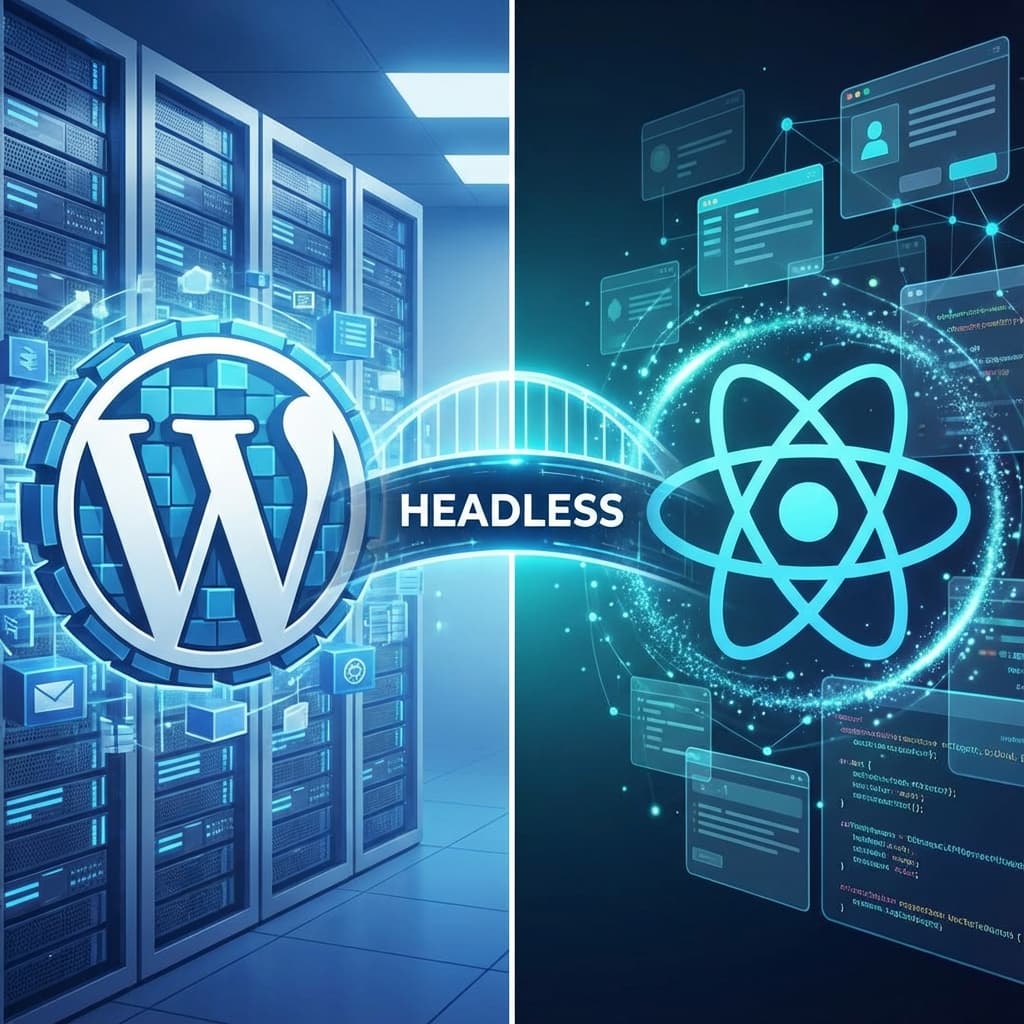
What if you love the WordPress editor but want the speed and security of React? Enter Headless WordPress.
In this setup:
- The Backend: You use WordPress just for the admin panel. Your marketing team writes posts and manages pages exactly as they always have.
- The Frontend: We build the public-facing site in Next.js (React). It pulls content from WordPress via an API.
Why do this?
- Security: The WordPress database is hidden from the public.
- Speed: The frontend is a static, global app that loads instantly.
- Experience: You get the "app-feel" of React with the "easy-editing" of WordPress.
Conclusion
Don't let a developer sell you a Ferrari to drive to the grocery store.
- Need a brochure site, a blog, or a standard corporate presence? Stick with WordPress.
- Building a SaaS platform, a customer portal, or a highly interactive tool? Go with React.
- Want the best of both? Ask us about Headless.
Related reading
- How AI agents are replacing WordPress developers. AI is changing the build vs. buy equation. Here's how it affects the React vs. WordPress decision.
- Next.js performance optimization. If you choose the React path, here's how to make it fast.
- From template site to high-performing asset: our website redesign playbook. Regardless of your tech choice, here's the process for getting it right.