Key takeaways
- Shared hosting is a relic; containerization is the standard for modern business
- Docker ensures your site runs identically in development and production
- Isolation means one hacked site on a server can't touch yours
- Automated backups and staging environments are built-in, not plugins
- This stack offers enterprise-grade speed and security at a fraction of the cost
Introduction
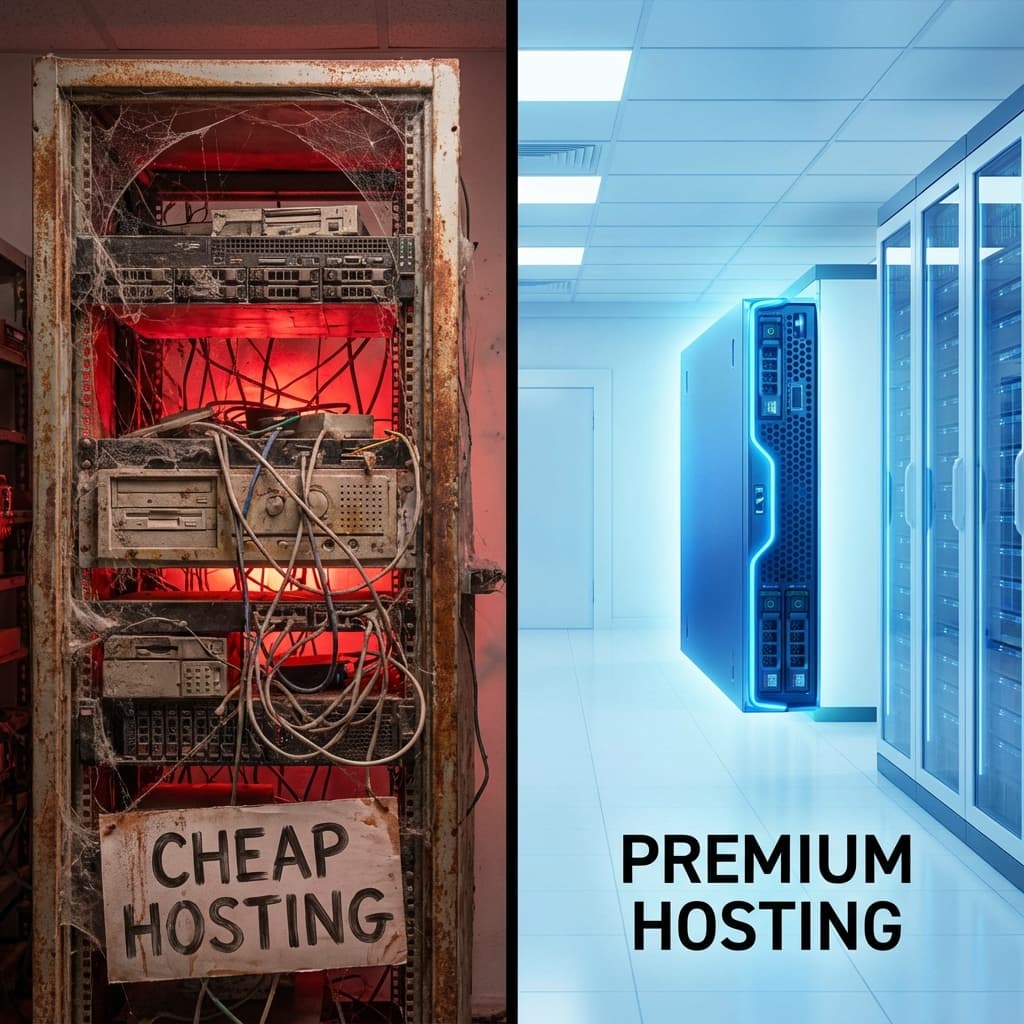
For years, "WordPress hosting" meant one thing: a cheap account on a shared server, crammed in with thousands of other websites, fighting for resources like hungry birds.
That era is over.
Serious businesses today demand more. They need speed that doesn't waver when traffic spikes. They need security that isn't dependent on their neighbors' bad habits. They need A Modern Stack.
Here is how we engineer WordPress environments for 2025 using Docker and the Cloud.
What Does a "Modern Stack" Look Like?
It's not just a server; it's an orchestrated system. We move away from the monolithic "everything on one machine" approach to a microservices architecture.
1. Docker: The Foundation
Instead of installing software directly on a server, we use Docker containers.
- The Web Container: Runs Nginx (the web server) and PHP-FPM. It handles traffic.
- The Database Container: Runs MySQL or MariaDB. It stores your data.
- The Cache Container: Runs Redis. It remembers things so the database doesn't have to.
Why it matters: Consistency. A container runs exactly the same way on our laptops as it does on the production cloud server. No more "it works on my machine" bugs.
2. The Cloud: Infinite Scalability
We don't buy physical servers; we rent computing power from giants like AWS, Google Cloud, or DigitalOcean.
- Elasticity: If you get featured on TV, we can double your server power in seconds.
- Reliability: If a piece of hardware fails, your site instantly migrates to a healthy node.
3. The Edge: Content Delivery Network (CDN)
Your server might be in New York, but your customers are in London, Tokyo, and Sydney. We put a CDN (like Cloudflare) in front of everything. It caches your images, CSS, and even full pages in 300+ cities around the world. Your site loads instantly, everywhere.
The Business Benefits (Why You Should Care)
You might be thinking, "This sounds cool for geeks, but what does it do for my P&L?"
1. Blazing Speed
By separating the database (MySQL) from the object cache (Redis) and using a high-performance web server (Nginx), we eliminate bottlenecks.
- Result: Sub-500ms load times are the norm, not the exception.
2. Ironclad Security
On shared hosting, file permissions are often loose to make things "easy." In our stack, everything is locked down.
- Isolation: Your site runs in its own container. Even if another site on the same cloud network gets hacked, they cannot cross the wall into your container.
- Immutable Infrastructure: We can configure containers to be "read-only," meaning even if a hacker gets in, they can't write malicious files to your core system.
3. Zero-Downtime Updates
Updating WordPress on shared hosting is scary. You click "Update" and pray. With Docker, we use Blue/Green Deployments:
- We spin up a new container with the update.
- We test it.
- We switch traffic to the new container instantly.
- If anything breaks, we switch back in 1 second.
Conclusion: Stop Renting Space, Start Owning Infrastructure
The difference between a $5/month shared host and a modern cloud stack is like the difference between a bus and a private jet. Both get you there, but one is crowded, slow, and runs on someone else's schedule. The other is fast, secure, and built entirely around your needs.
If your website is a hobby, shared hosting is fine. If it's a business, it's time to modernize.
Related reading
- How to clean your wp_options table. Even on a modern stack, a bloated wp_options table drags down every uncached request. Clean the database too.
- How to make a WordPress site load in under 2 seconds. The application-level optimizations that sit on top of this infrastructure.
- The hidden cost of cheap hosting. Why the R89/month plan is costing you more than you think.
- The WooCommerce security stack that actually works. The security layer that goes hand-in-hand with this infrastructure.